
Huxle · iPhone
Every day, one color. Go find it.
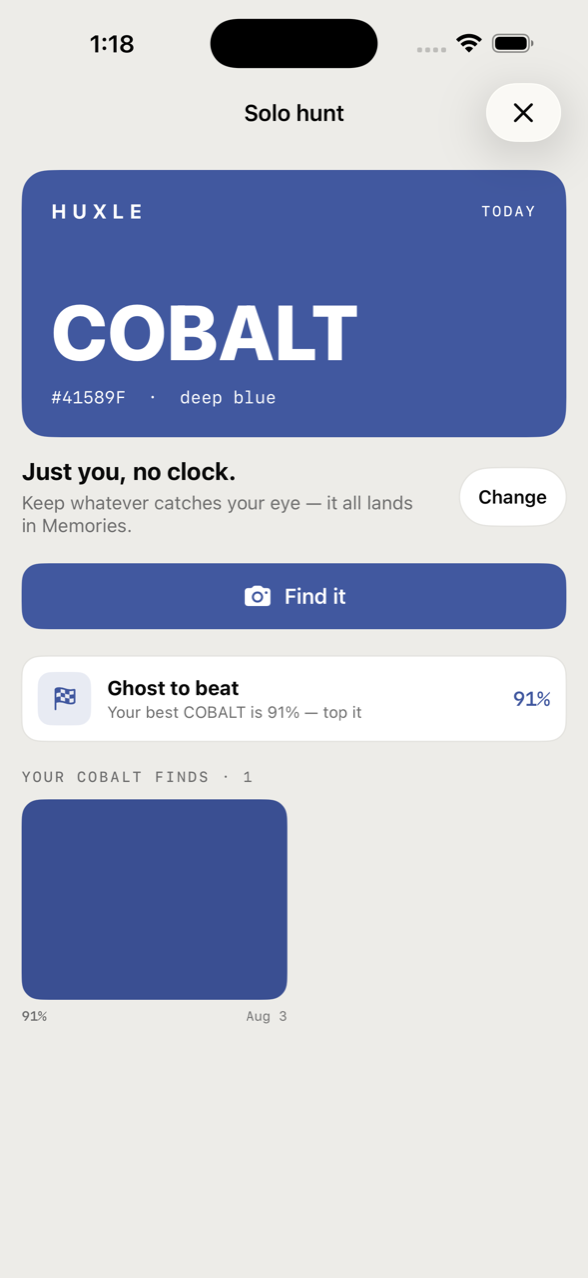
One colour lands each day. You photograph it out in the real world — a wall, a jacket, a bruised peach — and your phone scores how close you got. It takes a few minutes, and then you're done for the day.
Temple · Persimmon · Amber · Leaf · Sky · Taro — six of the twelve. See all twelve, and why each is in the game →
- Open Huxle. Today's colour is waiting — the same one everyone gets.
- Find it and photograph it. The match is scored on your phone; the photo doesn't go anywhere unless you send it somewhere.
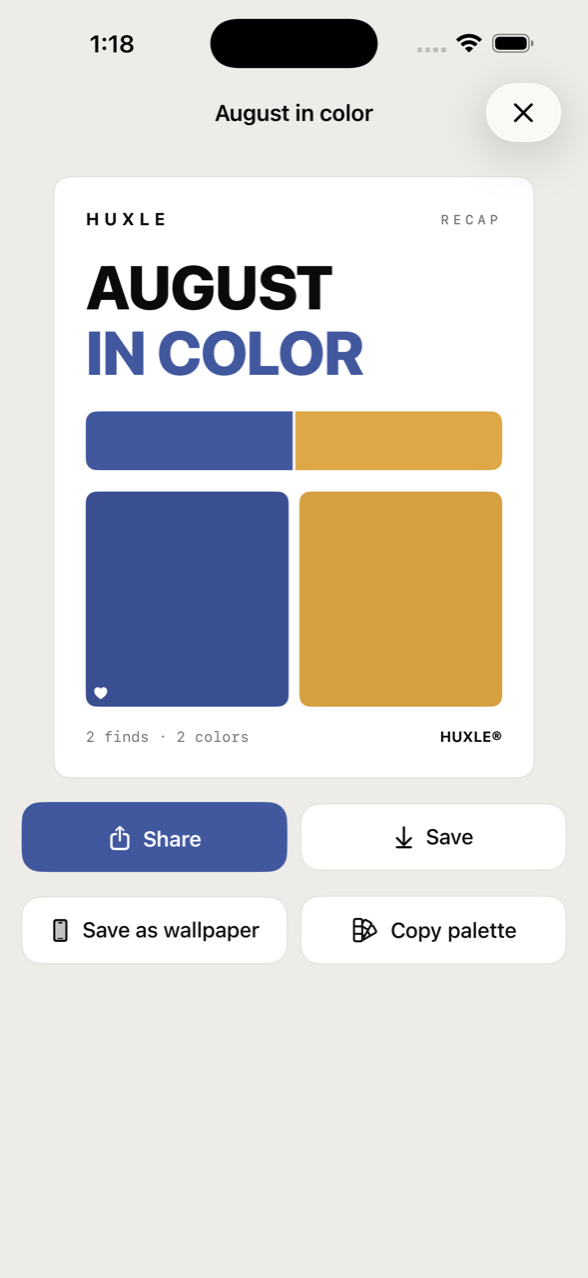
- Keep it or share it. Your finds build up into a run of days you can look back through.
Needs iOS 26 or later, and the free TestFlight app.
If you don't have TestFlight yet: install it, then come back here and tap the button again.
Huxle works on its own, with nobody else involved.
What it looks like.
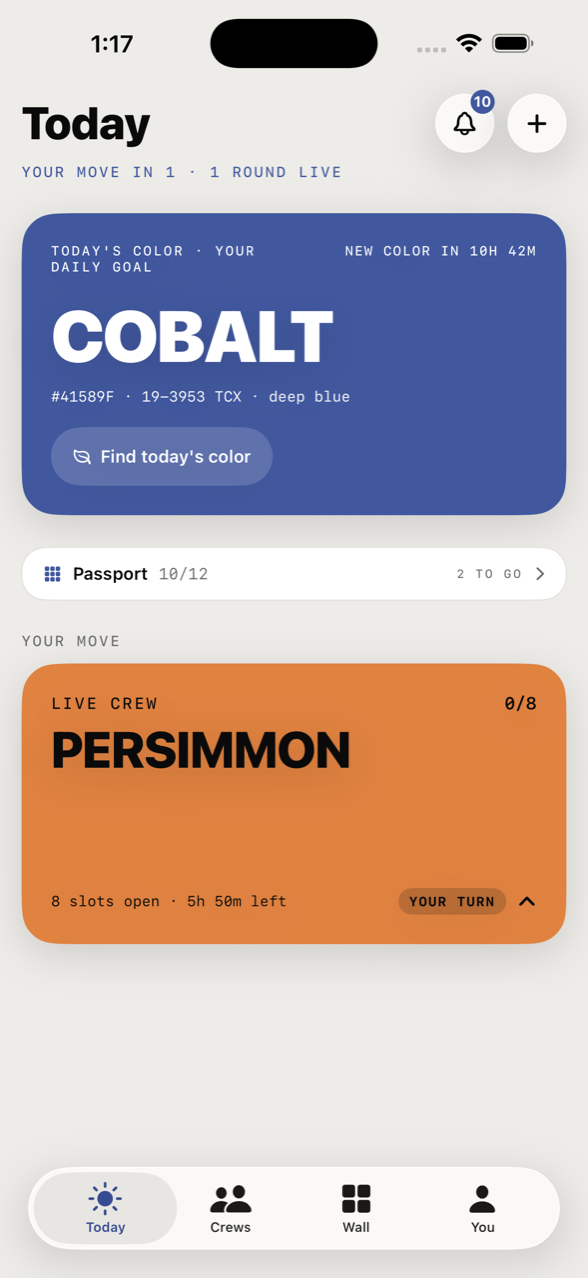
Your friends are hunting the same one.
Everyone gets the same colour on the same day, so a crew can fill one grid of eight together — you drop your find in, and theirs appear beside it as they go. A crew makes it a shared thing. It is not required, and nothing in the game waits on anyone else showing up.
What it doesn't do.
No account to make
Huxle creates an anonymous guest account on your device. No email, no password. A display name is optional, and only so a crew can recognise you.
No ads, no tracking
No advertising identifiers, no third-party ad SDKs, no cross-app tracking. Huxle doesn't collect your contacts or your precise location. The policy →
Scoring stays on the phone
The code that decides how close your photo got to today's colour makes no network calls at all. Solo finds are stored on your device.
No cost
Free, with nothing to buy inside it. English and 繁體中文.
Ready when you are.
Today's colour is already waiting.